Create a country-based price list using PPP, tiers, and rounding rules, then export to a pricing sheet.
A country-based price list helps you scale pricing globally without reinventing the wheel each time you add a market. The goal is consistency and fairness, not a different price for every single country without logic.
This guide shows a simple, repeatable workflow to build a price list you can maintain over time.
Start with a small set of inputs:
If you sell subscriptions, include your billing model (monthly or annual), trial strategy, and platform fees. If you sell digital goods, include payment method coverage and refund policy assumptions because they affect true margin.
For a full pricing workflow, see Set the Right Price Globally.
Your baseline price anchors the entire list. It should reflect your core market value and margin requirements. Avoid changing the baseline each time you add a country; update it only when your strategy changes.
Use affordability signals to adjust the baseline by country or tier:
You can also use simple affordability indicators, like the Big Mac Index, as a sanity check to spot extreme outliers before finalizing your list.
If you want a faster approach, the global product price calculator helps you see country-based outputs immediately.
Once you have affordability signals, group countries into tiers to simplify operations.
Guardrails keep prices from drifting too low or too high. Define a minimum price floor and a maximum discount relative to your baseline.
One simple method is to set tier ranges. For example, a premium tier might be 90% to 110% of baseline, a core tier 60% to 80%, and a value tier 35% to 55%. Adjust ranges to fit your market and margin requirements.
Rounding rules make your price list consistent and easier to compare.
Once your list is ready:
Add a version number and owner to the sheet so updates are traceable. This avoids price drift and helps teams understand why prices changed.
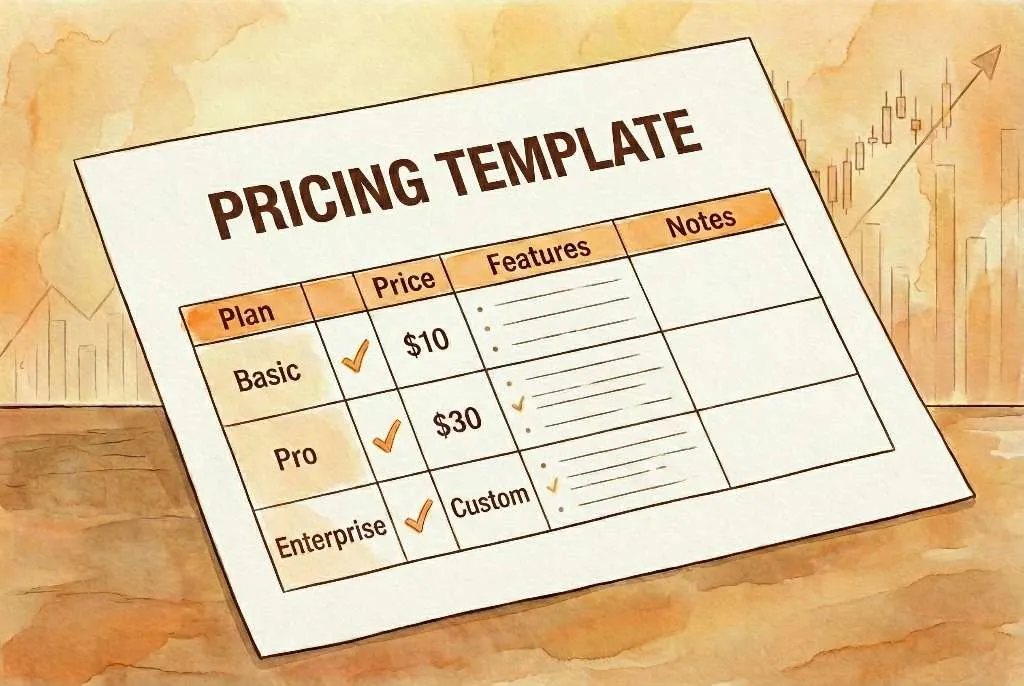
Below is a simplified structure you can replicate in a sheet. The sample values are illustrative, using a $29 U.S. baseline and a required margin floor:
| Country | Currency | Tier | Base Price | Affordability Factor | Guardrail Check | Rounded Price |
|---|---|---|---|---|---|---|
| United States | USD | Premium | $29.00 | 1.00 | Above floor | $29.00 |
| Germany | EUR | Premium | $29.00 | 0.95 | Above floor | EUR 27.99 |
| Brazil | BRL | Core | $29.00 | 0.55 | Review tax and payment fees | R$ 79.90 |
| India | INR | Value | $29.00 | 0.40 | Above floor if support cost is low | Rs. 899 |
| Turkey | TRY | Value | $29.00 | 0.35 | Needs manual review if currency moves | TRY 499 |
This keeps pricing transparent while remaining flexible.
Before publishing, review the final list for taxes, platform fees, local payment costs, price-ending conventions, competitor prices, and countries that fall close to your minimum margin. Those are the rows where human review matters most.
If you want a ready-made export, the regional pricing tool can generate country-based prices you can copy into a sheet.
Do I need a unique price for every country?
No. Most teams use 3 to 4 tiers and apply the same price to multiple countries.
How often should I update the price list?
Quarterly is a common cadence, with additional updates when exchange rates or costs move significantly.
Should I use FX conversion or PPP?
Use PPP for affordability and FX for conversion. PPP is usually the better baseline for tiering.
How do I choose rounding rules?
Pick a consistent style (9 or 0 endings) and keep price steps simple to reduce confusion.
Can I use the same list for subscriptions and one-time products?
You can, but include separate guardrails for recurring revenue plans because margins and churn behave differently.
A structured price list removes the guesswork from global expansion. If you want to automate these steps, try the regional pricing tool or the global product price calculator.
Written on: Jan 27, 2026